Abel Tools for Apple Shortcuts
A hand-built collection of shortcuts that make your iPad faster, tidier and a lot more capable. Install the installer once, and every new shortcut shows up inside it.
- Free forever
- No account needed
- iPadOS 14 and later
 leaf blowerAI assistant
 SaveMyBatteryOne-tap saver
 QuickscreenSplit screen
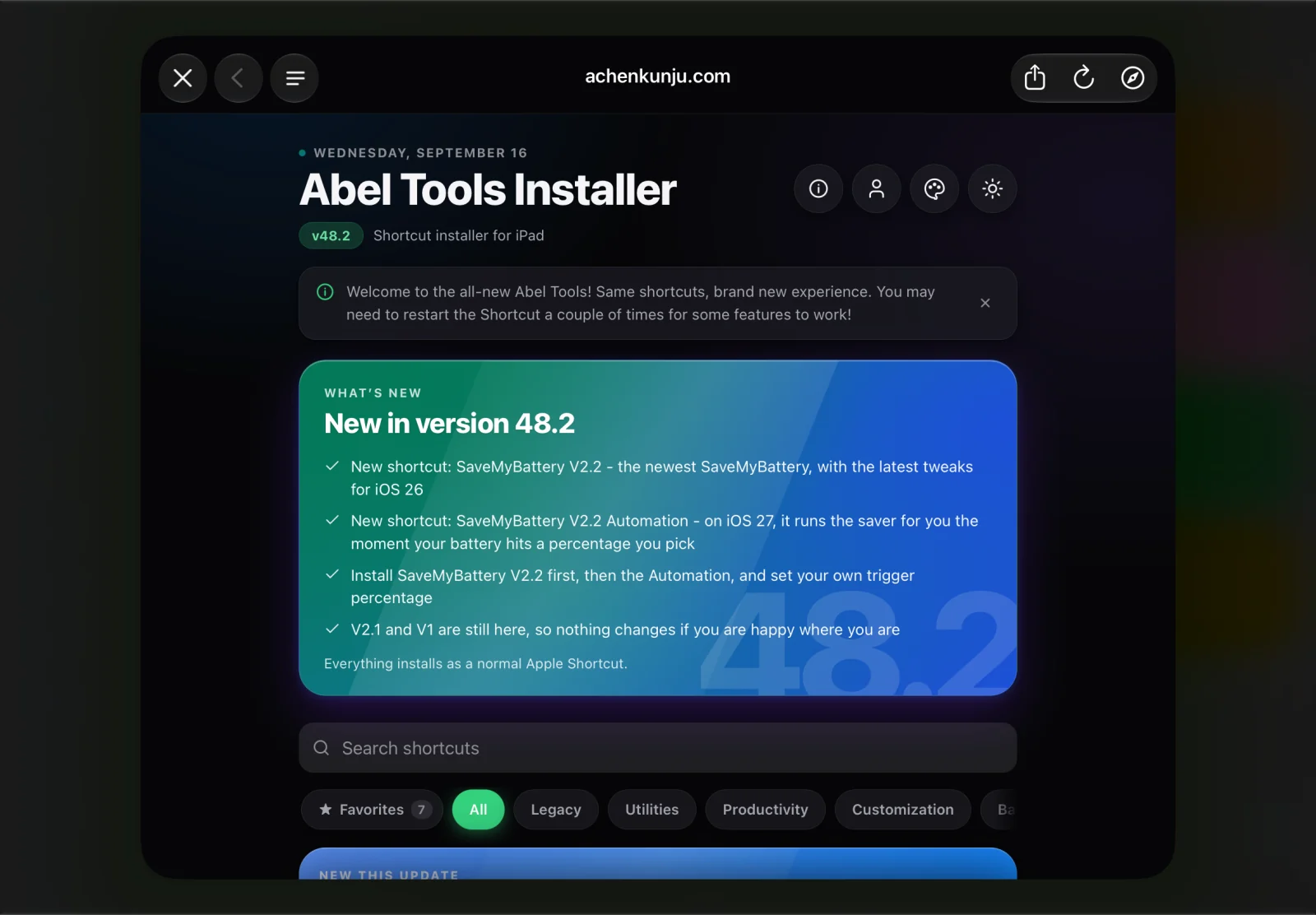
Abel Tools Installer on iPad (10th gen)
Built to make your iPad better
No App Store, no subscriptions, no setup rituals. Just Apple Shortcuts that do something genuinely useful, kept up to date from one place.
Everything in one installer
One shortcut holds the whole collection. Open it, pick what you want, and it installs like any other Apple Shortcut. Nothing else to manage.
Updates that find you
The installer checks for new versions itself. When a shortcut gets better, you get the better one without hunting down a link.
One tap to run
Every shortcut is built to finish the job in a single tap. No menus to learn.
Free, and staying free
No paywall, no trial, no upsell screen hiding behind the download button.
Yours, on device
Shortcuts run locally in the Shortcuts app. No account, and nothing to sign in to.
Meet the shortcuts
The whole collection, with the icons you will actually see in the Shortcuts app. Every one of them installs from inside the Abel Tools Installer.
 Abel's URL Compressor
Quickscreen
Abel's URL Compressor
Quickscreen
 AnythingButGlass
SaveMyBattery V2.2
AnythingButGlass
SaveMyBattery V2.2
 SaveMyBattery V2.2 Automation
 SaveMyBattery V2.1
 SaveMyBattery V1
 CoolBGRemover
 CoolImageEditor
 leaf blower w/ Google Search
leaf blower w/ Google Gemini
leaf blower w/ Google Search
leaf blower w/ Google Gemini
 Editable Materials
 DeviceInfo
 Moo Cleanup Tool
 [API] NotARobot API V1.1
 kool Menu
Everything here comes with the installer, and stays up to date through it.
Three taps from here to done
The installer is a normal Apple Shortcut, so there is nothing to jailbreak, sideload or trust.
Grab the installer
Download AbelToolsUPDCheck from this page. iCloud hands it straight to the Shortcuts app.
Run it once
Open Shortcuts, tap the installer, and it pulls the current catalogue from the web.
Install what you want
Pick a shortcut, tap install, done. Run the installer again any time for updates.
Get the Abel Tools Installer
Start with the installer
One shortcut, the whole collection, and every update after it. Built for iPad and free to keep.

leaf blower V2
A complete rebuild: multi-turn conversations, three AI providers, voice input, and a much better answer view.
See what's new